How to Install VirtualBox #
To get the latest installer, go to https://www.virtualbox.org/
Click on a ‘platform package’ to download VirtualBox for your specific operating system.

Run the package to launch Setup Wizard.
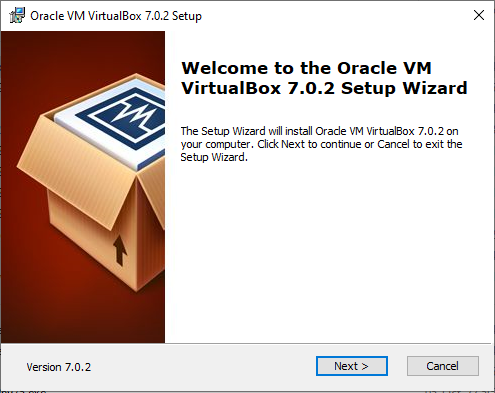
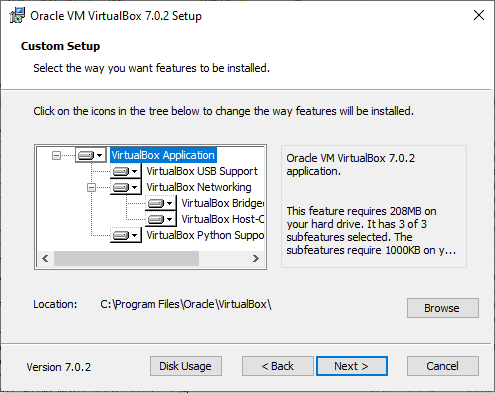
Use default settings. Click Next.
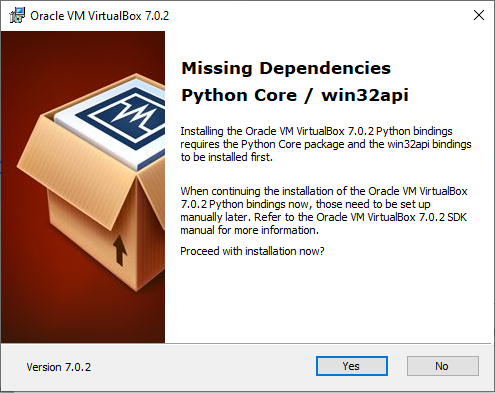
Tip: If you get the Missing Dependencies error message below, you have 2 options. Either:
- Continue with Installation, and manually repair missing dependencies later.
- Cancel installation, and begin Installing the Missing Dependencies.
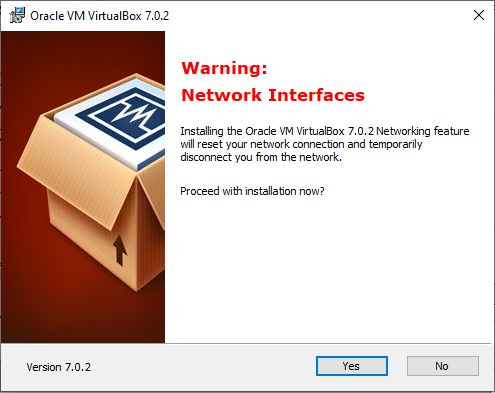
Ignore the Network Interfaces warning. Click Yes.
Click Install.

VirtualBox will begin installation process.

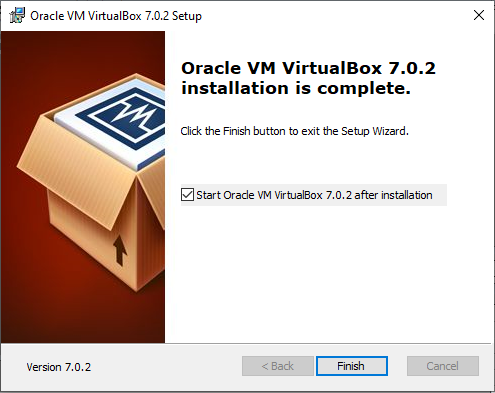
When installation is complete, click Finish.
Installing the Missing Dependencies #
1 Firstly, check python is installed. Run the Command Prompt.
2 Type: python
3 If python is installed, Command Prompt will return the version of python installed. If python is not installed, install it.
4 Once python is installed on computer, run the Command Prompt.
5 Type: pip install pywin32 , to get the missing win32api files.


